
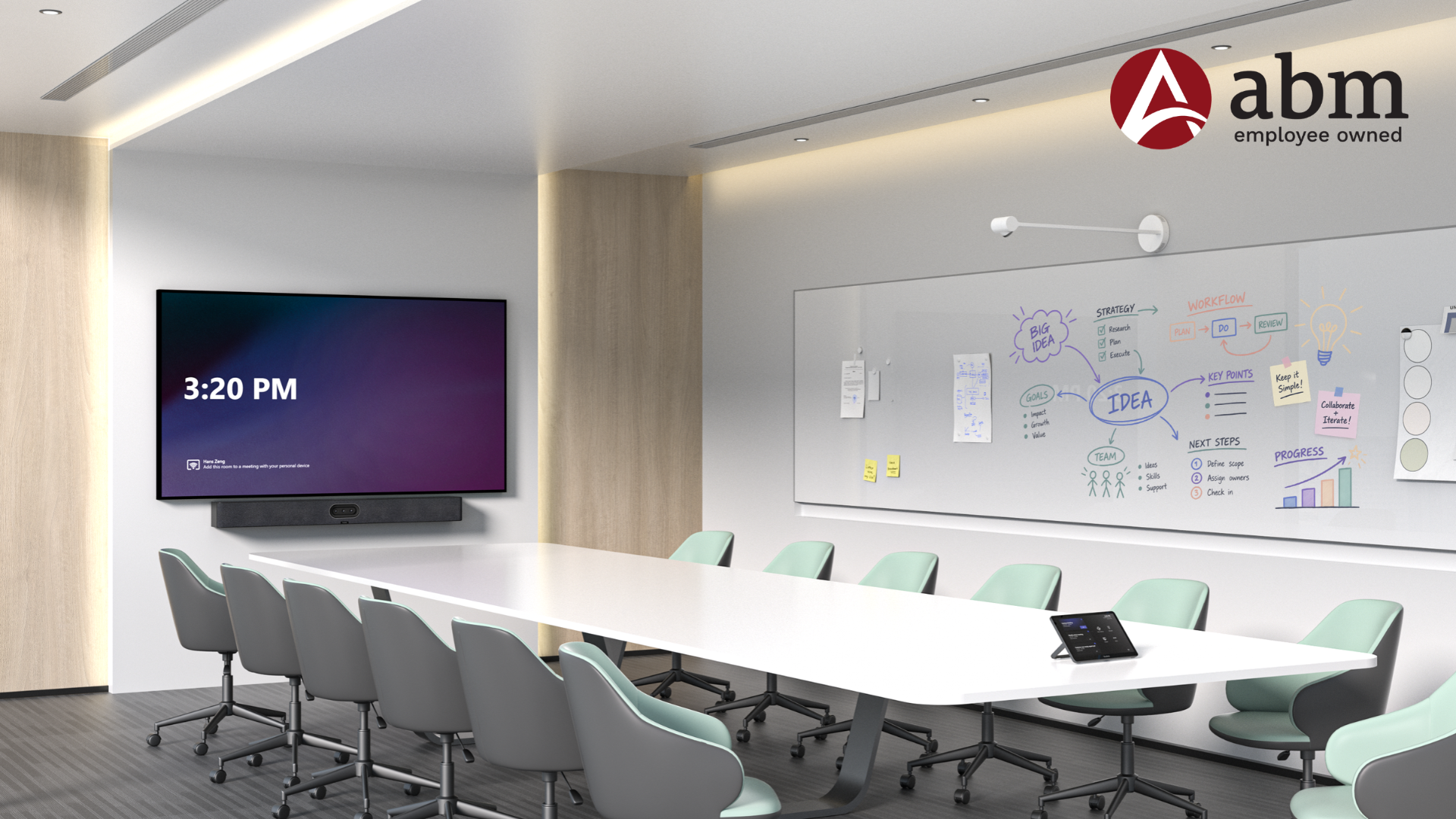
Microsoft Teams Rooms at Thrive Property Solutions
Microsoft Teams Rooms helped Thrive Property Solutions create a more consistent and efficient conference room experience. Working with Advanced Business Methods (ABM), Thrive extended its existing Microsoft 365 and Teams environment into a dedicated room solution.
As a result, employees could start meetings without relying on personal laptops, with simpler scheduling and content sharing. The new setup also created a more professional experience for both in-person and remote participants. Together, these improvements reduced setup time and helped teams collaborate more effectively.
The Challenge
Before deploying Teams Rooms, employees connected personal laptops, plugged in cables to share content, and selected the correct TV input. Although the setup was functional, it added unnecessary steps and created inconsistencies from one meeting to the next. Thrive wanted a conference room experience that would:
- Eliminate dependence on individual user devices for conference room meetings
- Create a more professional and consistent meeting experience
- Simplify content sharing and meeting participation
- Better align room technology with Microsoft 365, making cloud-based updates and reboots easier to manage
The Microsoft Teams Rooms Solution
ABM implemented a Microsoft Teams Rooms solution designed around Thrive’s conference room and existing Microsoft environment. The dedicated room system provided a consistent setup for meetings and collaboration. Because employees already used Microsoft Teams, adoption was straightforward.
Scheduling also followed a familiar process. Employees could invite the conference room in Teams or email, much like adding another attendee. The room’s own calendar showed its availability in real time, so they could confirm the space was free before booking.
The solution integrated natively with Microsoft Teams and Microsoft 365. In addition, it provided flexible content-sharing options and supported participation from the room or through personal devices.
The Results
Easier Meeting Starts
The dedicated system removed the need to connect and configure a personal laptop before each meeting. As a result, employees could launch and manage meetings directly from the conference room with fewer setup steps.
“Meetings are easier to start and manage from the conference room.”
A More Professional Meeting Experience
The dedicated Teams Rooms setup created a consistent experience for both in-person and remote participants. It also made virtual meetings feel more professional, helping discussions run more smoothly and supporting hybrid collaboration.
“The dedicated room setup makes virtual meetings feel more streamlined and professional.”
Simplified Scheduling and Participation
Employees could invite the conference room directly from Teams or email when scheduling a meeting. Then, when it was time to join, they used the room system. This familiar process reduced extra setup steps and made participation more intuitive.
“Adding the conference room to a virtual meeting is very straightforward. We can include the room when scheduling the meeting and then use the room system when it’s time to join.”
Why Microsoft Teams Rooms Worked for Thrive
For Thrive Property Solutions, the biggest benefit was extending the Microsoft tools employees already used into the conference room. Instead of introducing another platform, Teams Rooms connected the meeting space with their existing Microsoft 365 environment. The result was a familiar, more consistent collaboration experience with less effort and fewer technical barriers.
Key Outcomes
Thrive gained a more consistent, professional meeting experience without relying on individual laptops. Streamlined scheduling, one-touch participation, and simpler content sharing worked together within a familiar Microsoft Teams environment. As a result, employees could collaborate more easily in the room and with remote participants.
Ready to simplify meetings in your conference room? To explore a Microsoft Teams Rooms solution for your business, talk with our team today!